Best Free AI Tools for Content Creators in 2026
The complete toolkit for content creators: AI writing assistants, image generators, video editors, and SEO tools. All free or with generous free tiers.
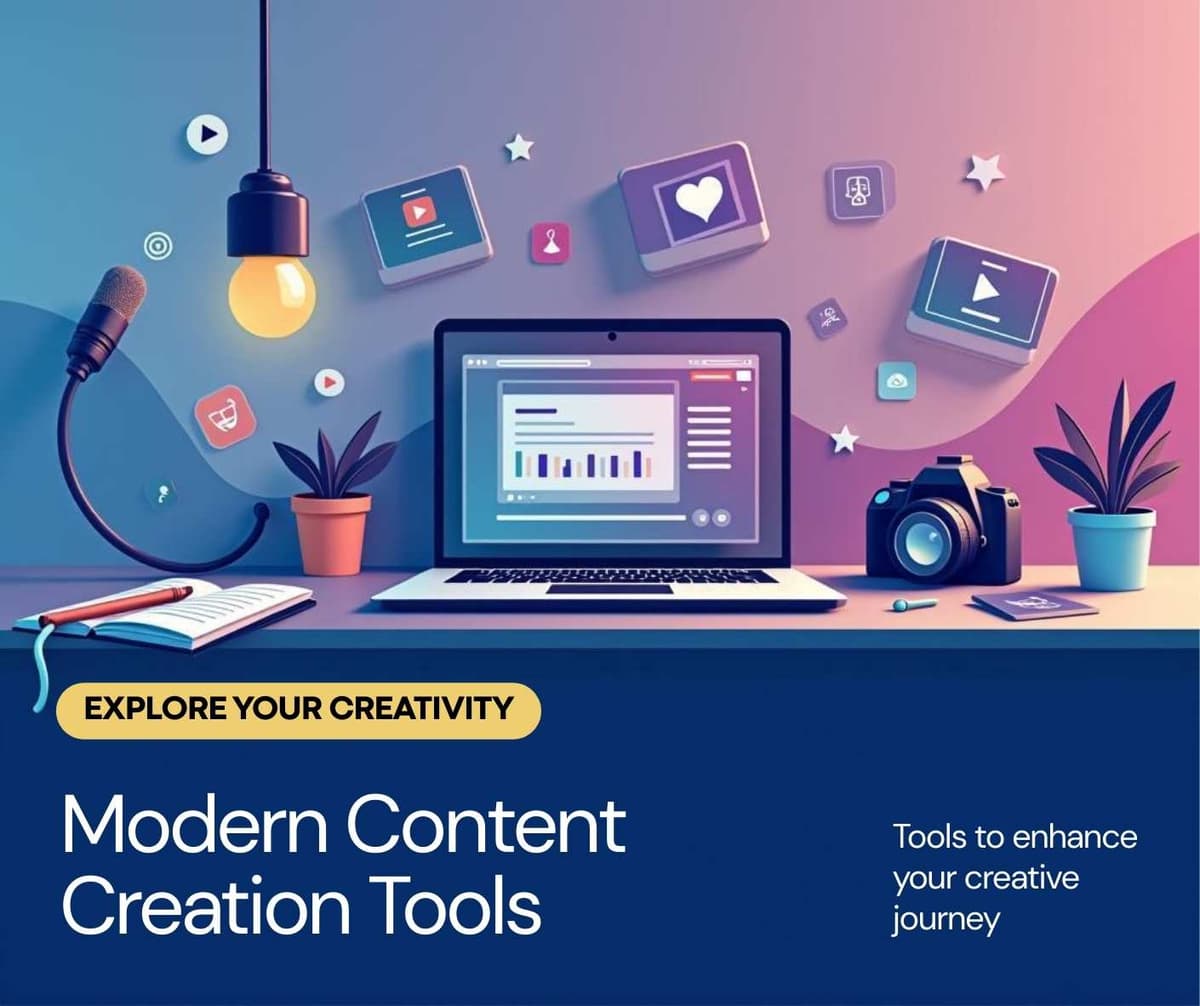
The best free AI toolkit for content creators in 2026 combines ChatGPT for writing, Canva Magic Studio for design, CapCut for video editing, Perplexity for research, and Ubersuggest for SEO keyword research. Together, these five tools cover the entire content creation pipeline from ideation to publication.
Content creation has become more competitive than ever. Audiences expect higher production quality, faster publishing schedules, and multi-platform presence. AI tools now make it possible for solo creators to produce content at the quality and speed that previously required a full team. For a detailed comparison of AI writing assistants, see our guide on the best free AI writing tools.
Writing and Scripting Tools
ChatGPT Free Tier
ChatGPT remains the go-to writing assistant for content creators. Use it for brainstorming video topics, writing blog post outlines, drafting newsletter content, generating social media captions, and overcoming writer's block.
The most effective approach is to use ChatGPT as a collaborative writing partner rather than a content generator. Provide your unique angle, personal experiences, and specific audience details. Let the AI handle structure and initial drafts while you add the authenticity that audiences connect with.
Claude Free Tier
Claude excels at longer, more nuanced writing tasks. If you write in-depth blog posts, detailed tutorials, or comprehensive guides, Claude produces content that requires less editing for accuracy and logical flow. It handles technical topics particularly well.
Use ChatGPT for quick, creative content like social media posts and scripts. Use Claude for long-form articles, tutorials, and anything requiring careful accuracy.
Design and Visual Content
Canva Magic Studio
Canva has evolved into a complete AI-powered design platform. The Magic Studio features enable content creators to generate custom images from text descriptions, remove backgrounds instantly, resize designs for every platform automatically, and create brand-consistent templates.
The free tier includes limited Magic Studio credits monthly. For creators publishing daily, the Pro plan at thirteen dollars per month provides unlimited access and is arguably the best value in the entire AI tools market.
Microsoft Designer
Microsoft Designer offers a completely free AI image generation tool. The quality rivals paid alternatives for social media graphics, blog headers, and presentation visuals. It integrates seamlessly with Microsoft products if you already use that ecosystem.
Video Editing
CapCut
CapCut offers the most powerful free video editor with AI features. Auto-captions with customizable styles, background removal for talking head videos, AI-generated B-roll suggestions, and intelligent scene detection make professional video editing accessible to beginners.
The auto-caption feature alone is essential for modern video content. Studies show that seventy percent of social media videos are watched without sound, making captions a requirement rather than an option.
Research and SEO
Perplexity AI
Perplexity combines AI with real-time web search, making it ideal for researching content topics. Every response includes citations, which helps you verify facts and find authoritative sources to reference in your content.
Use Perplexity when you need current statistics, recent developments, or fact-checked information for your articles and videos. It saves hours compared to manual research across multiple websites.
Ubersuggest Free Tier
Ubersuggest provides three free searches per day, which is enough to research keywords for your next piece of content. Enter your topic and see search volume, competition level, and related keyword suggestions. Focus on keywords with decent search volume and low to medium competition for the best results.
The Complete Content Creator Workflow
A practical daily workflow using these free tools looks like this. Research your topic with Perplexity and Ubersuggest. Create an outline with ChatGPT. Write the full draft with Claude for long content or ChatGPT for short content. Design visuals with Canva Magic Studio. Edit video with CapCut if applicable. Optimize meta tags and SEO elements. Publish and create social media promotional posts.
This workflow enables a solo creator to publish one high-quality blog post or video every two to three days, which is a competitive publishing schedule.
Need help crafting the perfect prompt for your AI tools? Browse our AI Prompt Library with 200+ ready-to-use prompts organized by category.
Tips for Maximizing Free AI Tools
First, create detailed brand guidelines and save them as a reusable prompt. Include your brand voice, target audience, content pillars, and style preferences. Paste this context at the beginning of every AI session for consistent output.
Second, batch your content creation. Instead of using AI tools sporadically throughout the week, dedicate specific blocks for writing, design, and editing. Batching reduces context-switching and increases output quality.
Third, build a prompt library. When you find a prompt that produces great results, save it. Over time, you build a personal collection of proven prompts that make content creation faster every month.
Frequently Asked Questions
Can AI-generated content rank on Google?
Yes. Google evaluates content based on helpfulness and quality, not whether AI was involved in creation. The key is adding genuine expertise, personal experience, and original insights that AI cannot provide on its own.
How do I maintain my unique voice when using AI?
AI generates the structure and raw content. Your voice comes from the edits you make, the personal stories you add, the opinions you express, and the unique perspective you bring to the topic. Never publish AI output without adding your personal touch.
Is it ethical to use AI for content creation?
Using AI as a writing and design assistant is no different from using spell check, grammar tools, or stock photo libraries. The ethical line is transparency. Many creators add a note that AI tools assisted in the creation process, which builds trust with audiences.
If you're looking to monetize your content, check out our guide on how to sell digital products online for strategies that work in 2026.
Related Articles

Best AI Email Marketing Tools to Grow Your List in 2026
February 6, 2026
7 Free AI SEO Tools That Actually Improve Your Rankings
February 6, 2026
7 Best Free AI Writing Tools in 2026: Tested and Ranked
February 6, 2026

5 Best AI Tools for Small Business Owners in 2026
February 5, 2026